Satellite launcher, 30.09t satellite - No DLC
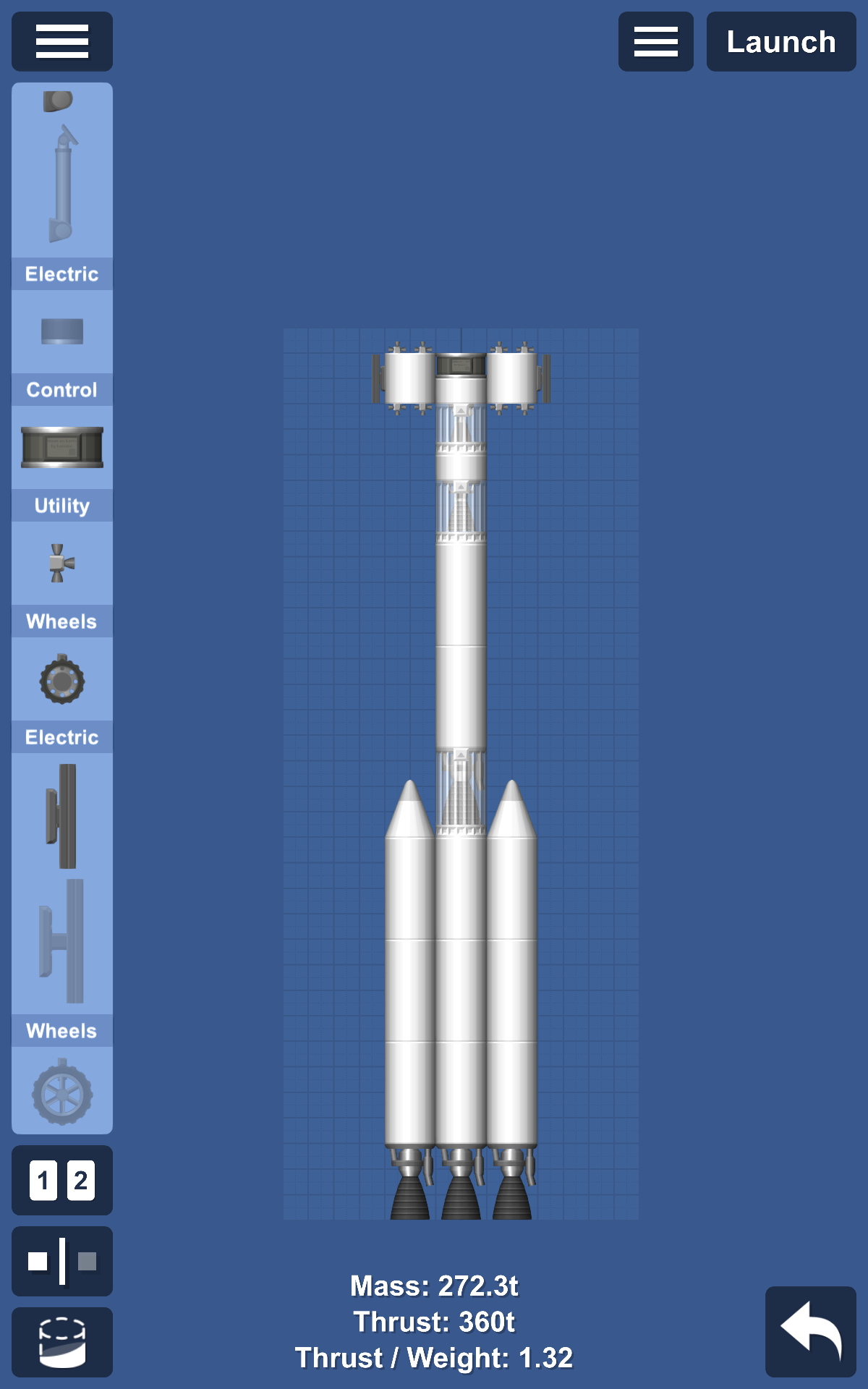
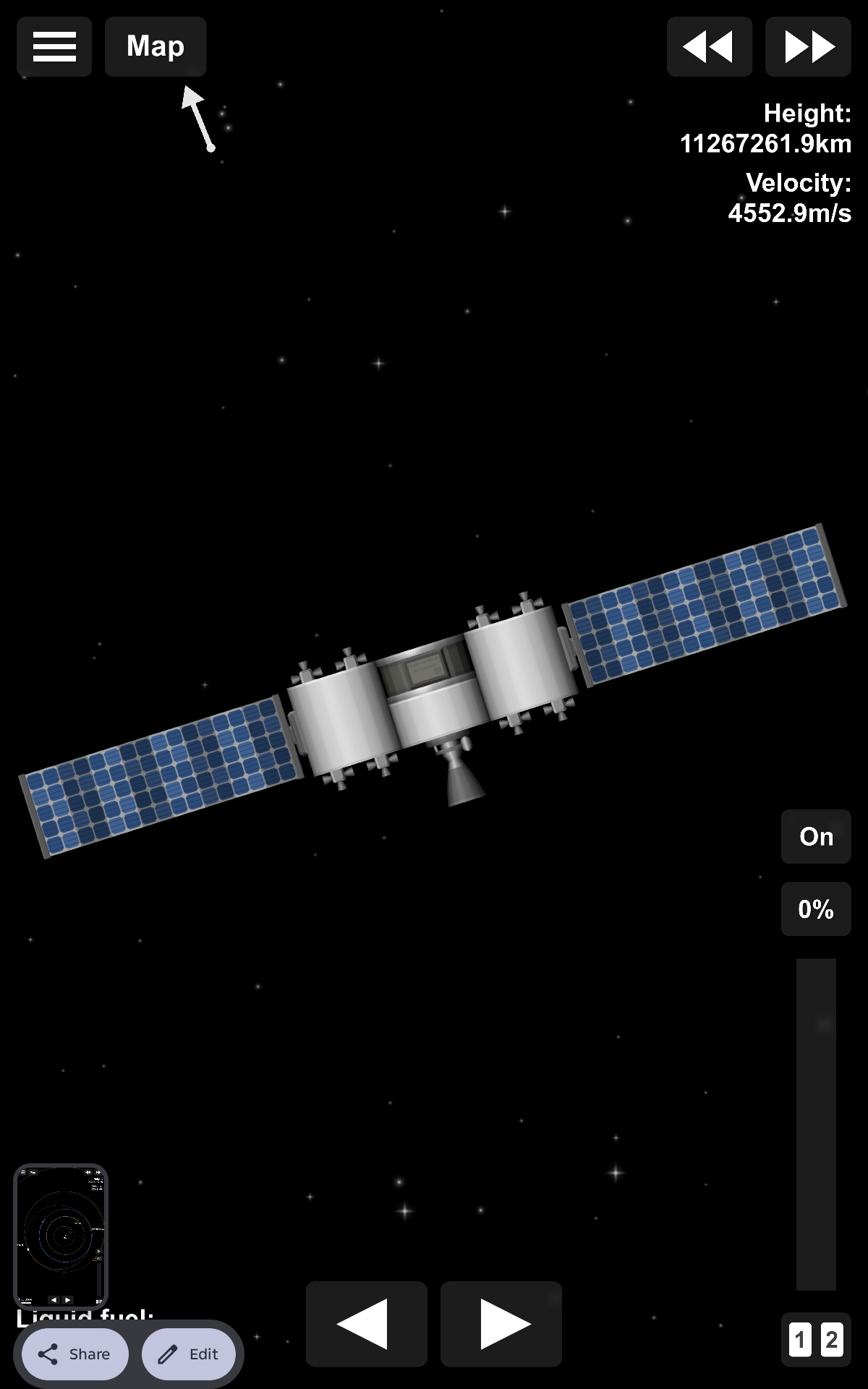
A satellite launcher that has a 30.09t satellite with RCS and an engine purely to adjust your orbit. How to make it orbit 1. Tap all three engines, slide the throttle to 100%, and then click the button on top of the throttle to ignite the engines. Follow the guide at the corner to tilt your rocket until the guide disappears. 2. When the guide disappears, slide your throttle to zero. Timewarp to a point before your apogee, then tilt your rocket to face prograde. 3. After 2, slide your throttle to 100%, then when the fuel is gone seperate the first stage from the second stage and click the engine. You might reenter the atmosphere, but this is safe. Seperate stages until you reach your wanted orbit that is orbiting the sun, then seperate the satellite from the rest.
Blueprint facts
| Difficulty | Medium |
|---|---|
| Assembly | Ready to fly |
Requirements
- Difficulty: medium.
How to use this SFS blueprint
Open in SFS by tapping the share link below, or Copy link and paste it inside Spaceflight Simulator → Load → Paste link. See the guide on opening SFS blueprint links.
Related
Learn more
More Satellite blueprints
- Vayuspace Relay (Communication Satellite)
- Satellite NI-1
- Auto orbit no dlc iss
- Iss
- Rocket to make any planet orbit pollution and it’s also mini satellites
- Satellite