Shuttle Side View
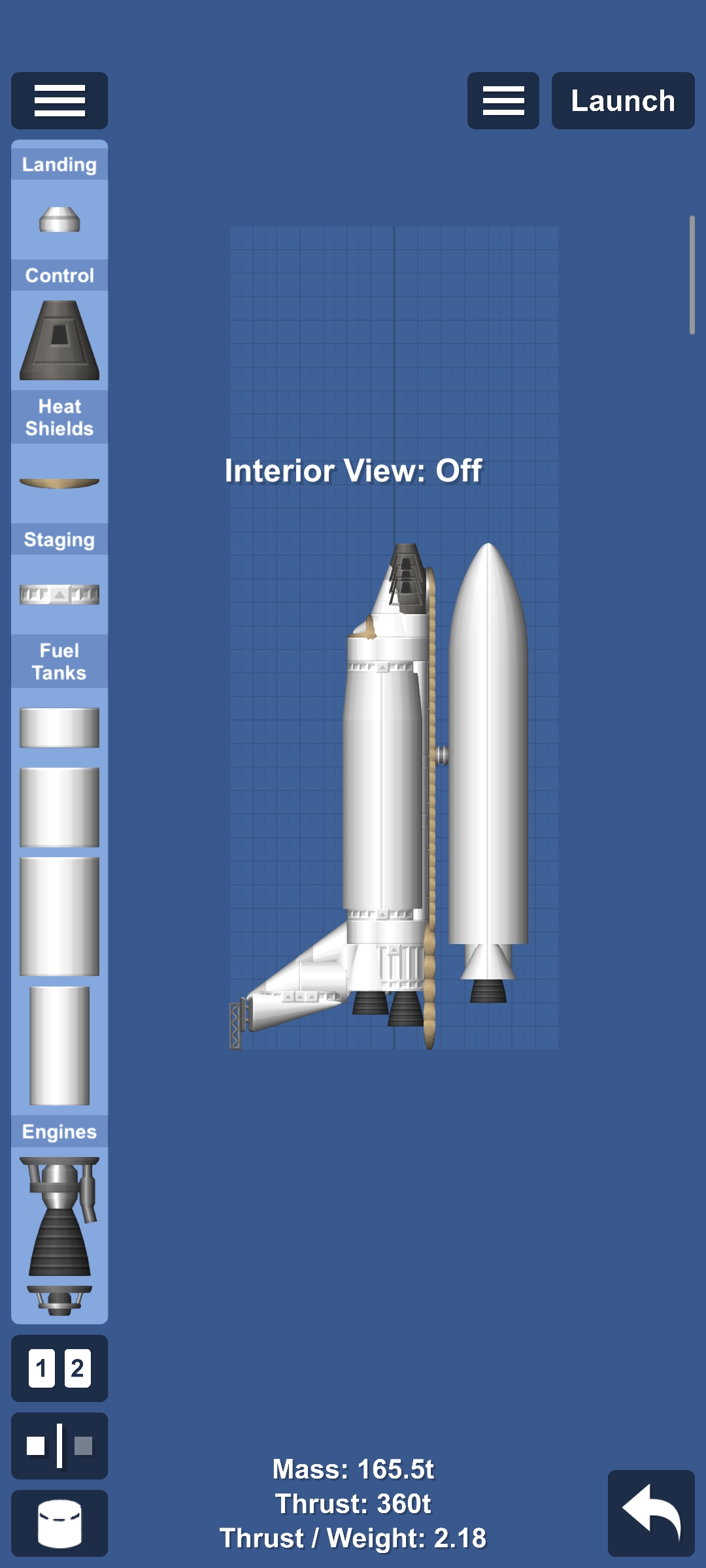
This is the Shuttle but side view Can't reach orbit due to it barely having fuel, Also remove the side boosters because it tips the BP over How to use: Step 1: Click the 2 Engines to turn on the engines Step 2: Turn on the throttle Step 3: You Amy want to separate the Side boosters before launch because it just tips the BP over Step 4: Fly and enjoy! Freedom You may also want to use infinite fuel, it is optional.
Blueprint facts
| Difficulty | Easy |
|---|
Players have opened this plane blueprint in Spaceflight Simulator 104 times.
Requirements
- Requires cheats enabled.
- Cheats: Infinite Fuel.
- Difficulty: easy.
How to use this SFS blueprint
Open in SFS by tapping the share link below, or Copy link and paste it inside Spaceflight Simulator → Load → Paste link. See the guide on opening SFS blueprint links.