Falcon 9 - Starlink
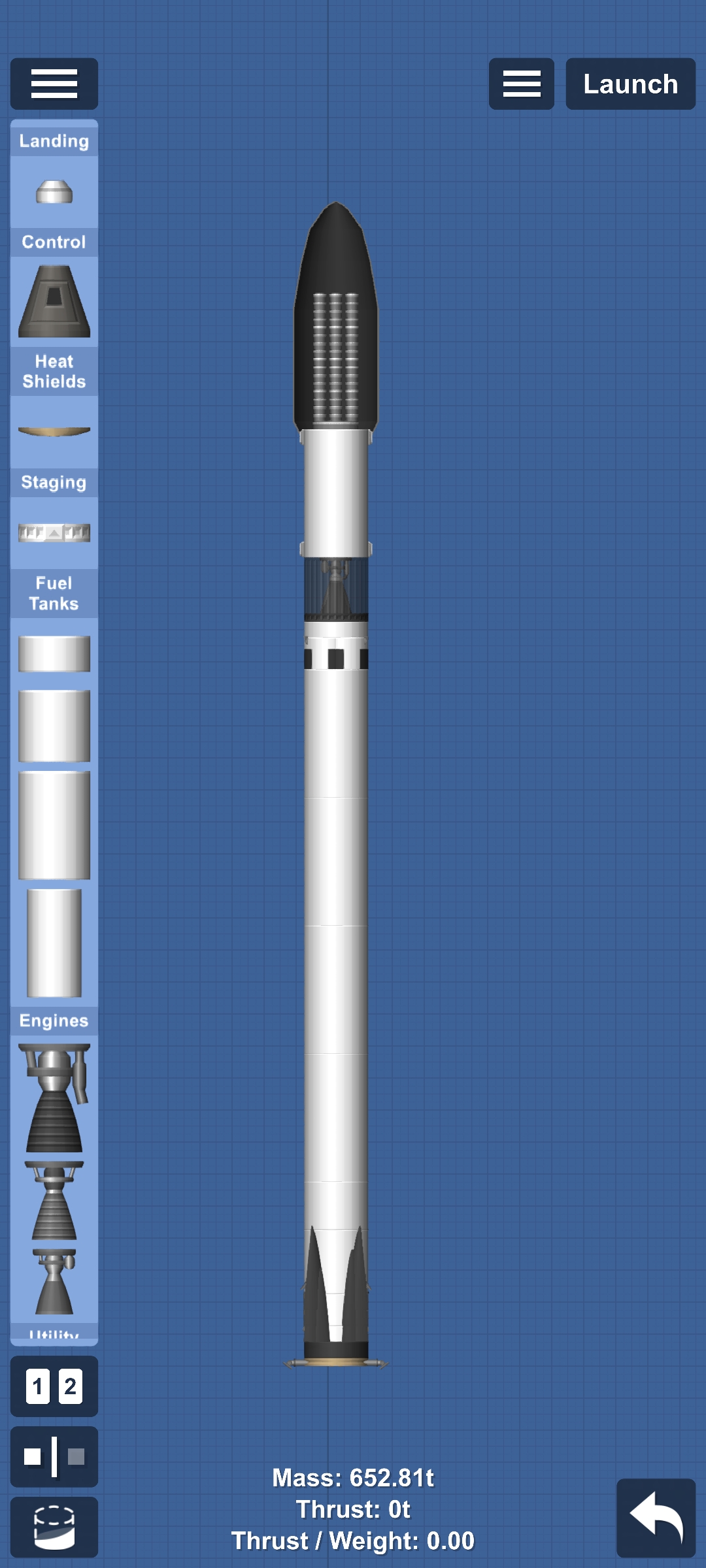
Falcon 9 How to fly it: Launch. Get into orbit. Separate the first stage. After that, deploy landing legs while controlling the 1st stage (reusable stage). Land it. Now control the 2nd stage. Jettison the fairings and separate the Starlink satellites.
Blueprint facts
| DLC required | Yes |
|---|---|
| Difficulty | Medium |
Requirements
- Requires DLC parts.
- Requires cheats enabled.
- Cheats: Infinite Build Area, Part Clipping, No Collision Damage, No Heat Damage.
- Difficulty: medium.
How to use this SFS blueprint
Open in SFS by tapping the share link below, or Copy link and paste it inside Spaceflight Simulator → Load → Paste link. See the guide on opening SFS blueprint links.
Related
Learn more
More Rocket blueprints
- Space shuttle
- Original rocket design by Pico Space(ピコ宇宙). By community member with attribution
- STARSHIP
- Artemis ll
- Powerful lander
- Artemis II - Replica (can lag)